Should you redact immigration documents?
By RedactSnap ·
Usually not the ones you send to the immigration office. Officers compare each document with your application and check that it is genuine, so a copy with parts blacked out can look incomplete or altered. Redaction belongs on the copies you share with everyone else: an approval notice posted in a forum, a screenshot of your case status, a visa page sent to a friend helping with the paperwork.
What not to redact
Send the immigration office what its form instructions ask for, in full. USCIS asks for copies rather than originals unless the instructions or regulations say otherwise, and a foreign-language document needs a full English translation. The UK Home Office treats a genuine document that has been altered or tampered with as a false document, and an application can be refused for using one.
If an instruction says you may leave something out, such as part of a number, follow it. If the instructions don't say, ask the office or your lawyer before you redact anything. These go in complete:
- Passports, visas, residence permits and travel documents.
- Birth, marriage, divorce and police certificates.
- Bank statements, pay slips and tax returns that show you or a sponsor meet a financial requirement.
- Translations: a translation must cover the whole document, so don't redact the copy you give the translator either.
Where redaction belongs
People share immigration paperwork far more widely than with the office itself: in forums and timeline threads, with community groups, employers and landlords, and with friends who help fill in the forms. A notice or a screenshot posted online needs very little to be useful. Hide these:
- Names, dates of birth and addresses.
- Receipt and case numbers. Anyone who has a USCIS receipt number can look up the case status online.
- Alien registration (A-) numbers, passport and visa numbers, and the machine-readable zone at the bottom of a passport or visa page.
- Barcodes and QR codes, which can hold the same details as the printed text.
- Photos and signatures.
Redact a notice or passport page step by step
Take a photo or screenshot, or use the PDF. RedactSnap runs in your browser, so the image isn't uploaded anywhere.
Step 1: Open redactsnap.com/app and drop in the file. Click Find sensitive data, add your receipt number, A-number and name under "Also find a word", and click Scan document. A photo is read with OCR on your device.
Step 2: With the box tool, drag a box over each number, the date of birth, the photo, the barcode and the whole machine-readable zone. Leave a margin around each one.
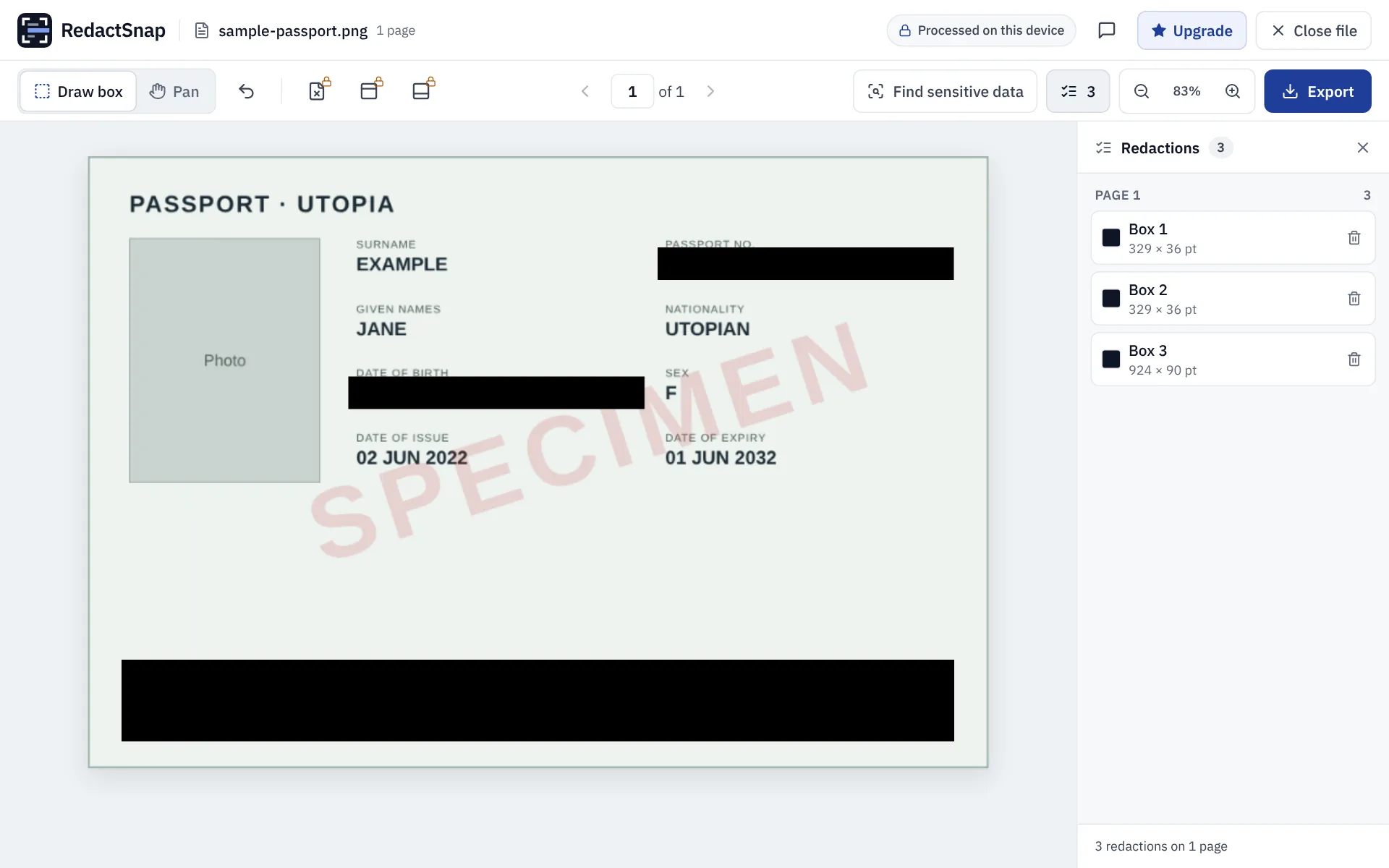
Step 3: Click Export and download. A photo downloads as a PNG with the boxes burned into the pixels and its EXIF data, including GPS location, removed.
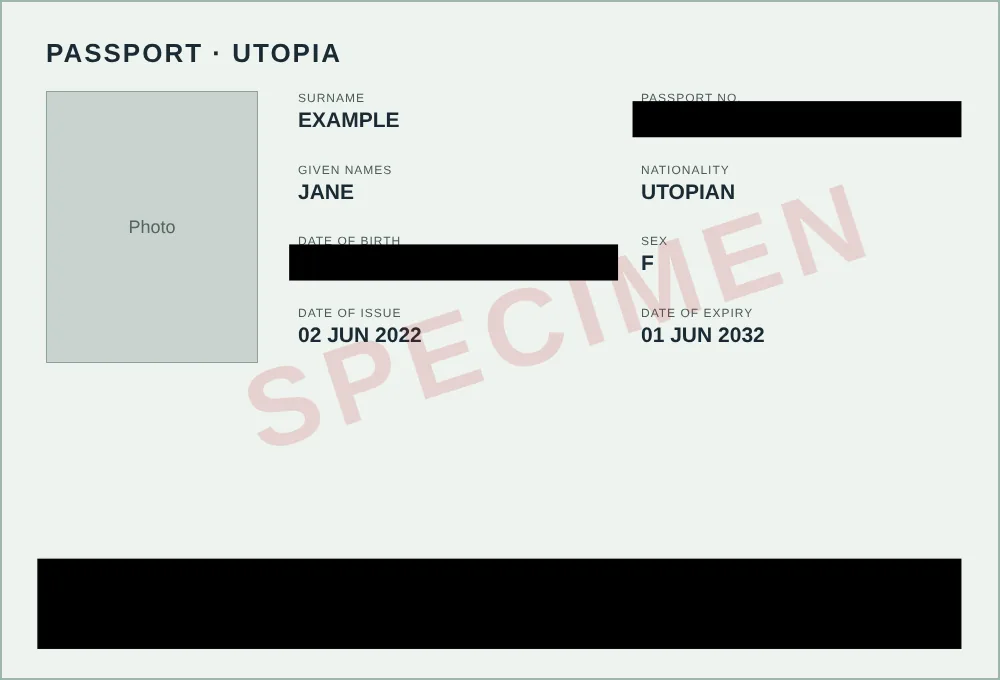
Step 4: Zoom in on the result and read it as a stranger would before you post it.
Try it on your own file
Both tools run in your browser. The image is not uploaded.