How to redact a screenshot of text messages
By RedactSnap · · Updated
Screenshots of chats get shared as evidence, for advice or for a laugh. They show more than the message you meant to share: phone numbers in the header, other people's names and photos, addresses, door codes and one-time passcodes. Cover them before you send the screenshot.
What to hide in a chat screenshot
- Phone numbers and names in the header, and contact photos.
- Phone numbers, emails and addresses inside messages.
- Door, gate and alarm codes, and one-time passcodes. If a working code has been shared, change it.
- Other people's messages that aren't yours to share.
- Notifications and the status bar, which can show other apps' messages.
Redact a chat screenshot on your phone
The screenshots use a fictitious chat, at iPhone size. The same steps work on Android.
Step 1: Take the screenshot, then open redactsnap.com/app in Safari or Chrome and choose it from your photos. Tap the scan button, then Scan document. The screenshot is read with OCR on your phone, and phone numbers and emails are listed.
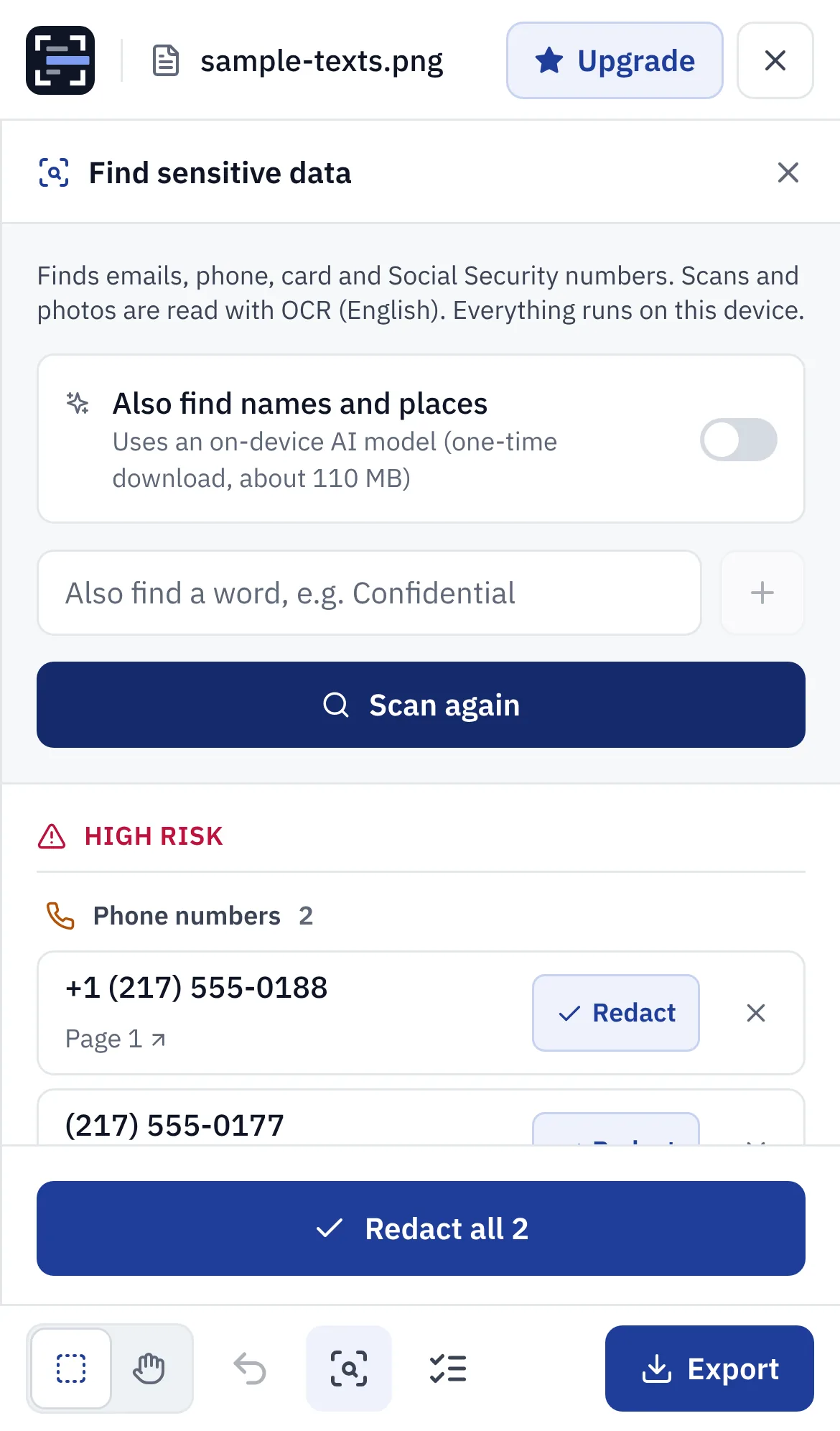
Step 2: Tap Redact all. Then drag a box over anything else by hand, such as the gate code and address here, which aren't phone numbers or emails. OCR can misread a character or two, so check every box.
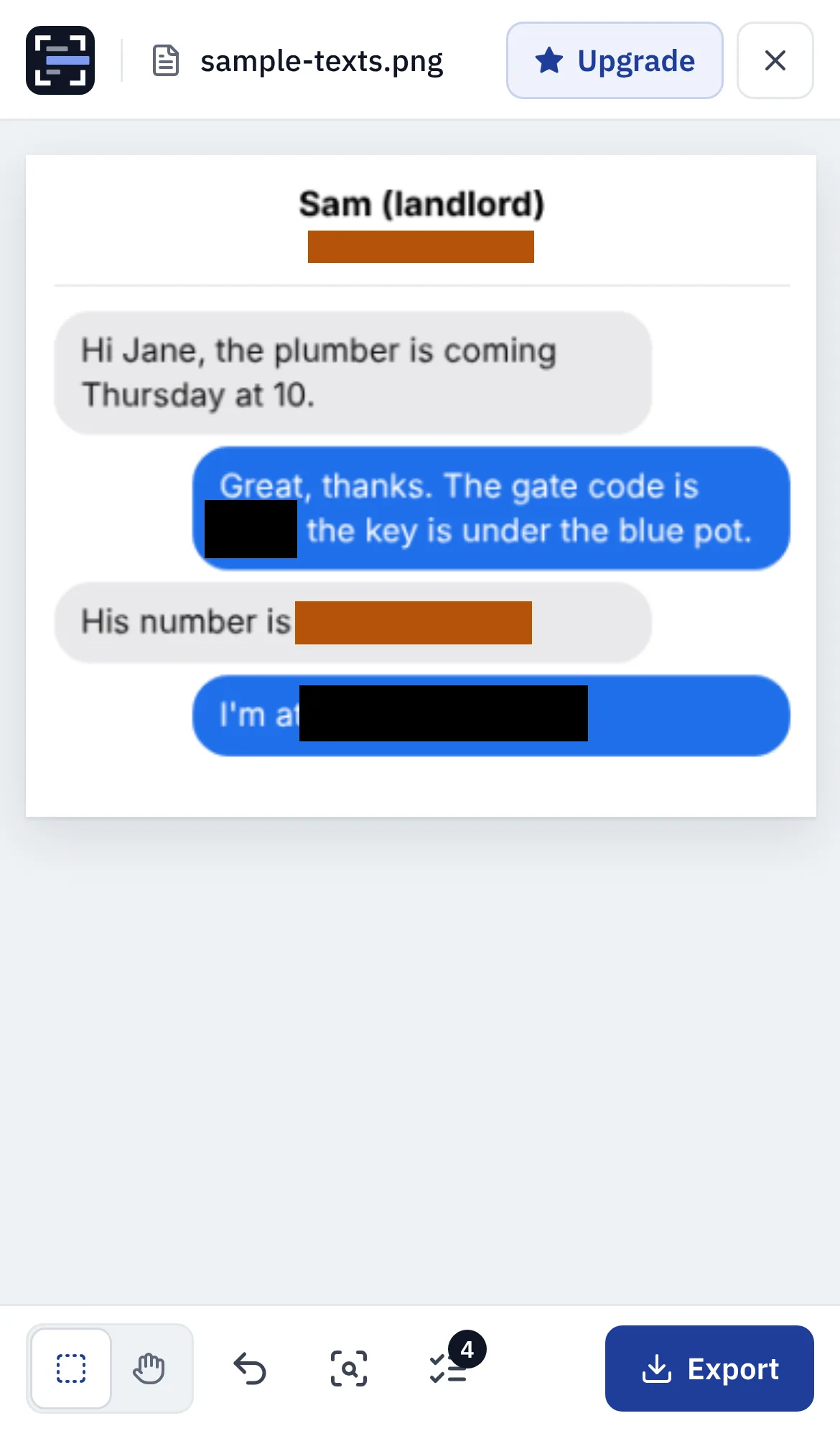
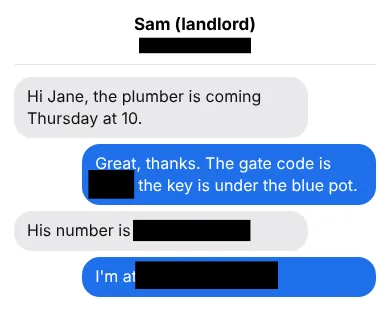
Step 3: Tap Export and download. The screenshot downloads as a PNG with the boxes burned in.
Try it on your own file
Both tools run in your browser. The image is not uploaded.