How to redact a dashcam or CCTV still
By RedactSnap ·
Dashcam and doorbell stills get posted to neighbourhood groups and social media, and sent to insurers and the police. The police and insurers need the original. For everyone else, cover number plates, faces and the timestamp and GPS overlay many cameras burn into the image, which shows where and when you were driving.
What to cover in a still
- Number plates of other vehicles, and yours if it appears in a reflection or a second camera.
- Faces of drivers, passengers and pedestrians.
- The overlay: date, time, GPS coordinates and speed.
- House numbers, street signs and anything that shows where you live, for doorbell and home CCTV stills.
- Location data in the image file itself, which RedactSnap removes on export.
Redact a still step by step
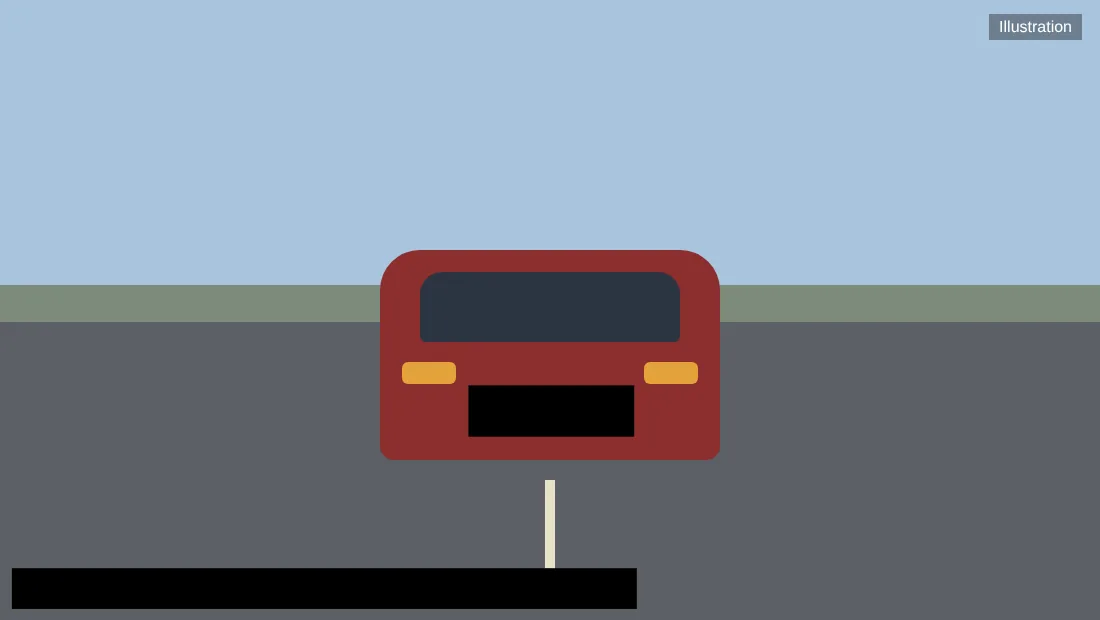
The screenshots use an illustrated dashcam still. Smart Scan doesn't detect plates or faces, so cover them by hand.
Step 1: Save a frame from the video as an image (most dashcam apps have a snapshot button, or pause and take a screenshot). Open redactsnap.com/app and drop it in. With the box tool, drag a solid box over the plate and the overlay.
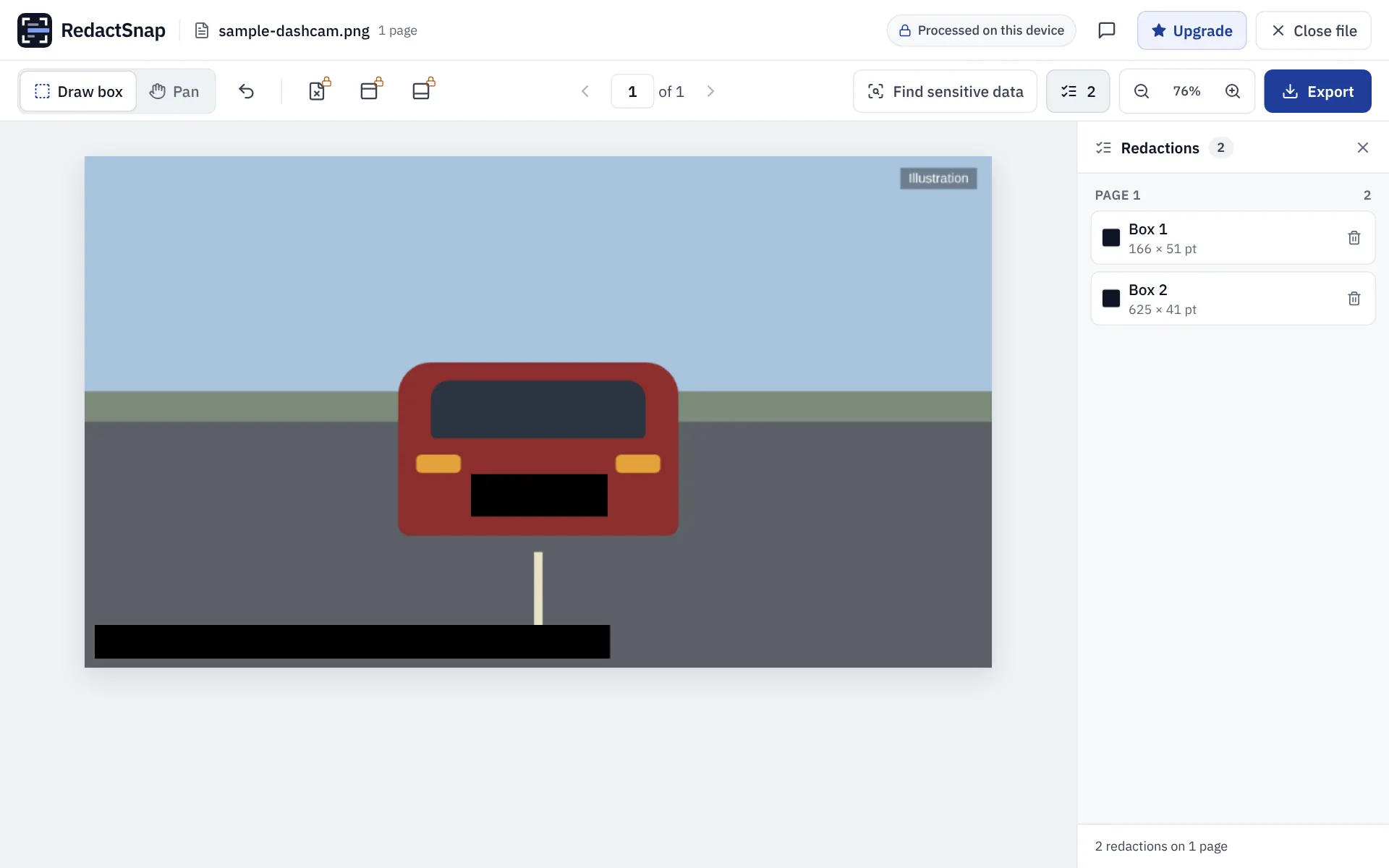
Step 2: Export and download. The still downloads as a PNG with the boxes burned in and the original's location data removed.
Try it on your own file
Both tools run in your browser. The image is not uploaded.